
Blinds100 / South Bay journal
Matter Smart Blinds: What Your Home Needs Before Installation
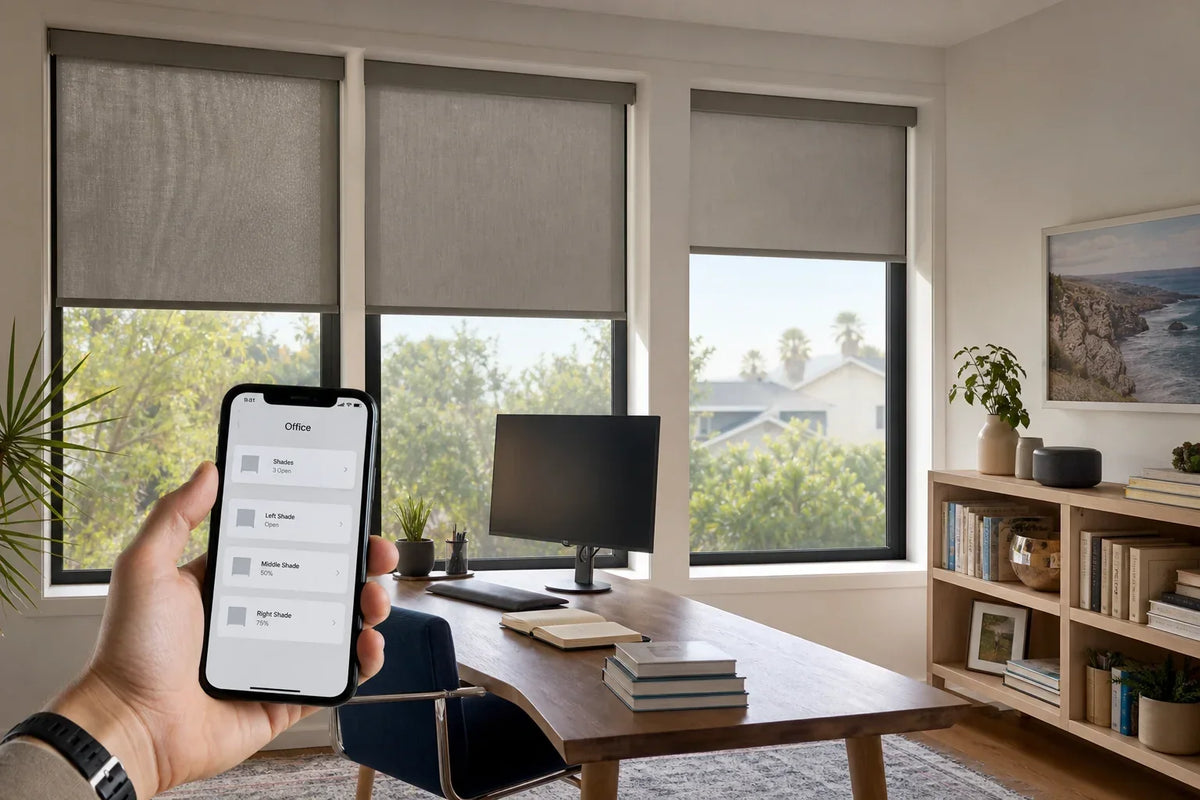
Matter can make motorized shades easier to connect across Apple Home, Alexa, Google Home, and SmartThings. It does not mean every home is automatically ready. The useful question is whether the selected motor, controller, and home hub form one compatible system.
Matter, Thread, and the border router are different things
Matter is an interoperability standard. A Matter-compatible shade can be commissioned into a supported smart-home platform using a setup code. Matter does not describe how the motor is powered, how strong the wireless signal is, or whether the home already has the required controller.
Thread is a low-power network used by some Matter shades. Routing-capable powered devices carry mesh traffic; battery-operated shades may be sleepy end devices and should not be assumed to extend coverage. Plan the border router and network around the actual motor. Thread Group explains the device roles.
A Thread border router connects the Thread mesh to the home network. Examples can include compatible versions of Apple TV, HomePod, Echo, Google Nest, and other hubs. Product generations change, so the device name alone is not enough. Confirm the exact model and software before ordering.
What still works if the internet is down?
The handheld remote should remain the simplest local control. Depending on the selected motor and platform, local app or automation control may also continue within the home. Cloud-dependent features, remote access from outside the home, voice processing, or third-party services can be affected by an internet outage.
This is why a good installation does not make the phone the only way to move the shade. The client should know where the remote is, how the wall or group control works, and how to operate the shade if an app is unavailable.
Choose routines that solve a real problem
- Afternoon glareLower the west-facing shades before direct sun reaches a television or desk.
- Evening privacyClose street-facing shades at sunset instead of remembering every night.
- Morning comfortOpen selected shades gradually while bedroom shades remain closed.
Start with one or two routines. A home with dozens of scenes can be harder to understand than a reliable remote. Automation should remove a repeated task, not create another system to manage.
What to confirm before ordering
-
Your primary platform
Decide whether Apple Home, Alexa, Google Home, SmartThings, or a remote-only setup will be the main control.
-
The exact home hub
Record the model and generation of the existing hub or smart speaker. If none is compatible, include the correct hub in the project plan.
-
Power and charging access
Battery motors need a safe way to recharge. Hardwired motors need approved power at the correct location. Tall windows must be serviceable later.
-
Shade groups and names
Use clear names such as Living Room Left and Primary Bedroom Street Side. Good names make voice control and support easier.
-
Who can administer the home
At least one homeowner should have owner-level access to the smart-home platform and know where setup codes are stored.
What Blinds100 sets up
For compatible motorized projects, Blinds100 tests each shade, pairs the agreed controls, helps connect the system to the selected compatible ecosystem, and creates practical starter routines. The homeowner keeps control of personal accounts and home permissions.
Technology changes. The written order should name the motor type, control method, platform, and any hub included in the project. That record is more useful than a general promise that a shade is “smart.”
Continue planning
Confirm the plan at home
See physical samples, confirm the measurements and receive a personal written quote for your windows.